Surface sculpting
Digital clay
Shape a mesh with inflate, smooth, flatten, and crease brushes, with symmetry and undo.
Try it
All editing and processing stays in your browser.
Getting started
- Choose a brush and drag across the clay in Sculpt mode.
- Switch to Orbit to inspect another side. Radius, strength and mirrored strokes work together.
- Use Stamp front for a keyboard-friendly brush dab, or undo an entire stroke.
Made with this tool
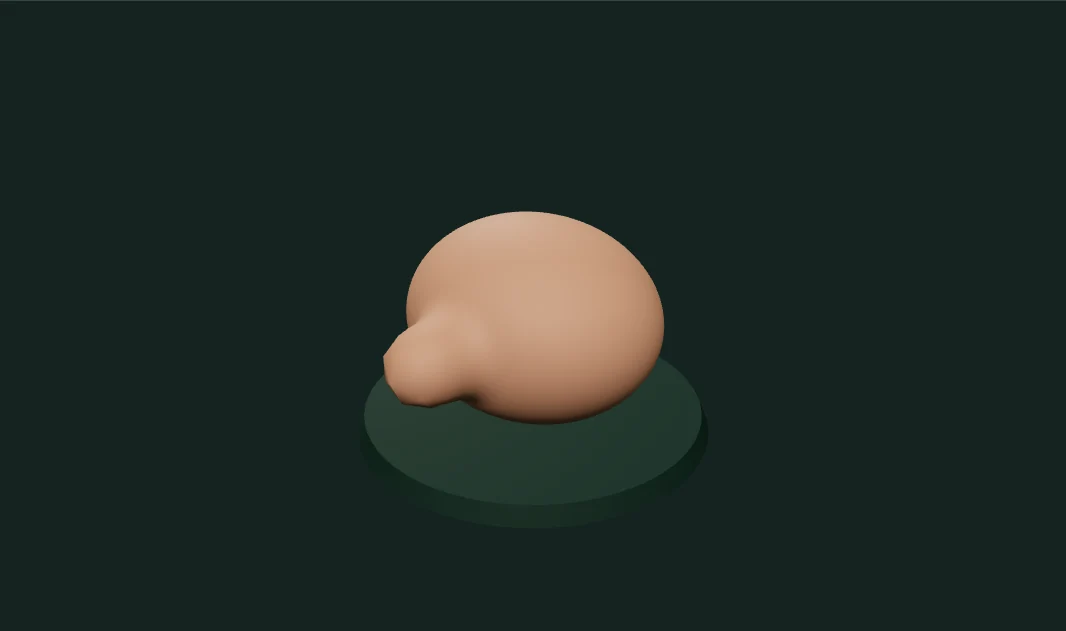
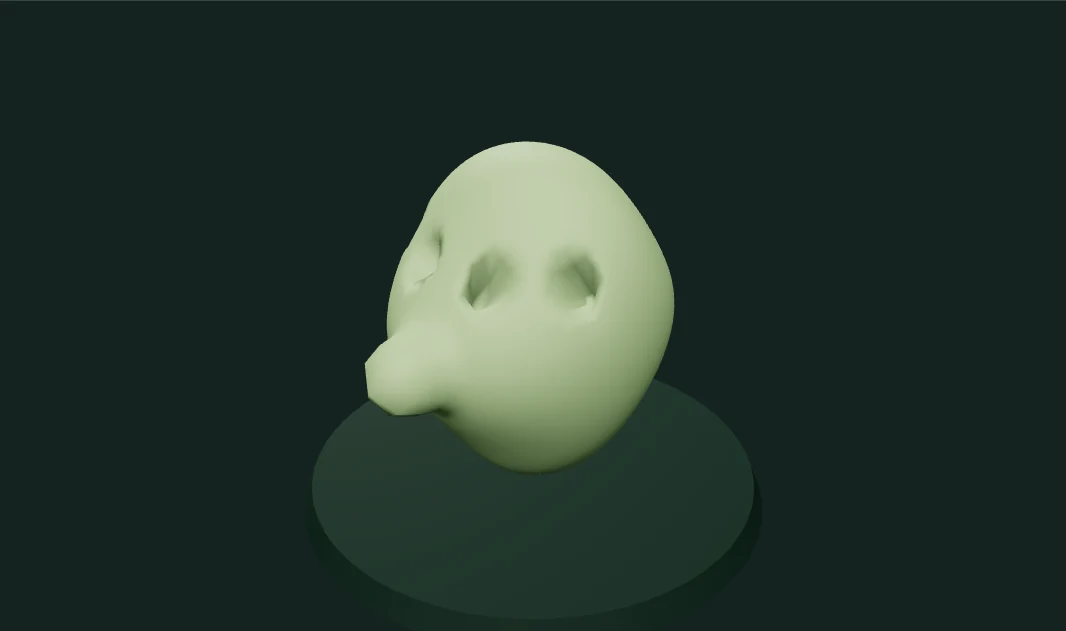
Examples captured from the running editor.
Implementation and limits
Shape a continuous mesh with soft, local sculpting brushes. Every stroke moves real vertices.
- Fixed topology: heavy edits can stretch triangles or self-intersect; there is no remeshing or boolean sculpting.
- Symmetry mirrors brush positions across the original X plane, not arbitrary edited topology.
- Undo retains the latest 30 strokes. OBJ exports geometry without material textures.