Geometry diagnostics
Mesh repair inspector
Inspect damaged meshes, find topology problems, and apply explicit repairs before exporting.
Try it
All editing and processing stays in your browser.
Getting started
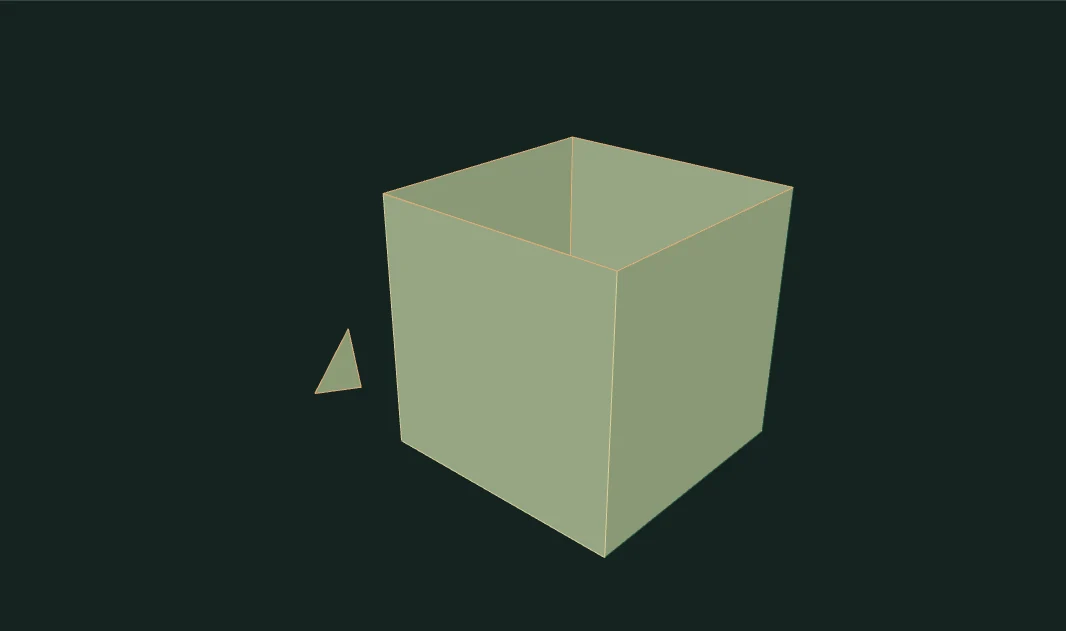
- Load a broken example or your own OBJ. Orange edges are open; pink edges are nonmanifold.
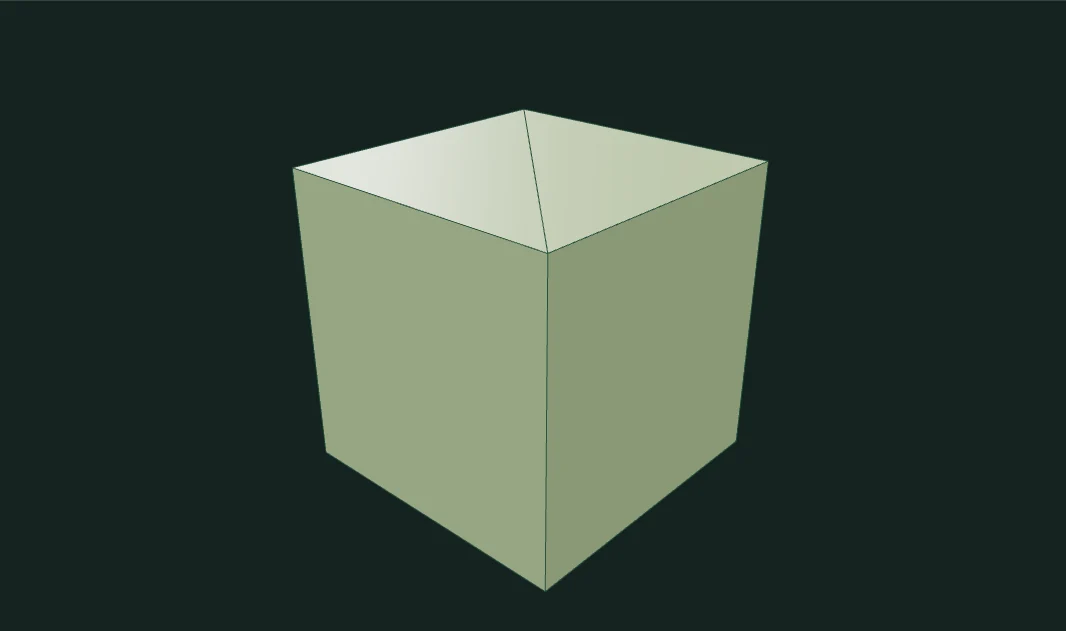
- Choose the operations you want, then apply repairs. The report compares real before and after counts.
- Switch between original and repaired, undo a repair, and export the actual resulting mesh.
Made with this tool
Examples captured from the running editor.
Implementation and limits
Inspect a damaged polygon mesh, locate its defects, and apply repairs you can verify before exporting.
- OBJ uploads are limited to 2 MB, 20,000 vertices and 30,000 faces. Materials, UVs, and imported normals are not retained.
- Polygon rendering assumes convex faces. Triangulate concave polygons before import.
- Hole capping accepts simple nearly planar loops of at most 32 edges. Large, branched, or nonplanar boundaries remain visible.
- This tool does not detect self-intersections or guarantee printability. Nonmanifold edges are reported but not automatically removed.