Topology editing
Mesh workshop
Select faces, extrude surfaces, inset panels, and subdivide a mesh. Build forms from editable topology.
Try it
All editing and processing stays in your browser.
Getting started
- Click a face or use Previous/Next face.
- Extrude moves a new cap along its normal; inset builds a real ring of faces.
- Beveled extrusion uses the inset fraction and extrusion distance to form sloped shoulders. A face split adds a diagonal without new edge vertices.
- Undo an edit, compare the wireframe, and export the edited topology as OBJ.
Made with this tool
Examples captured from the running editor.
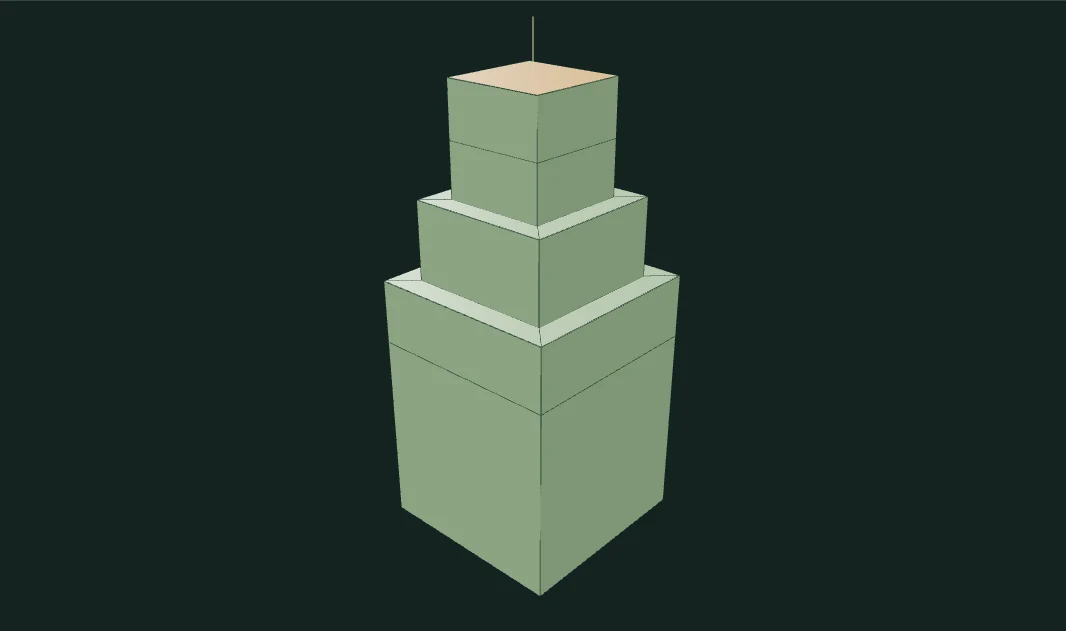
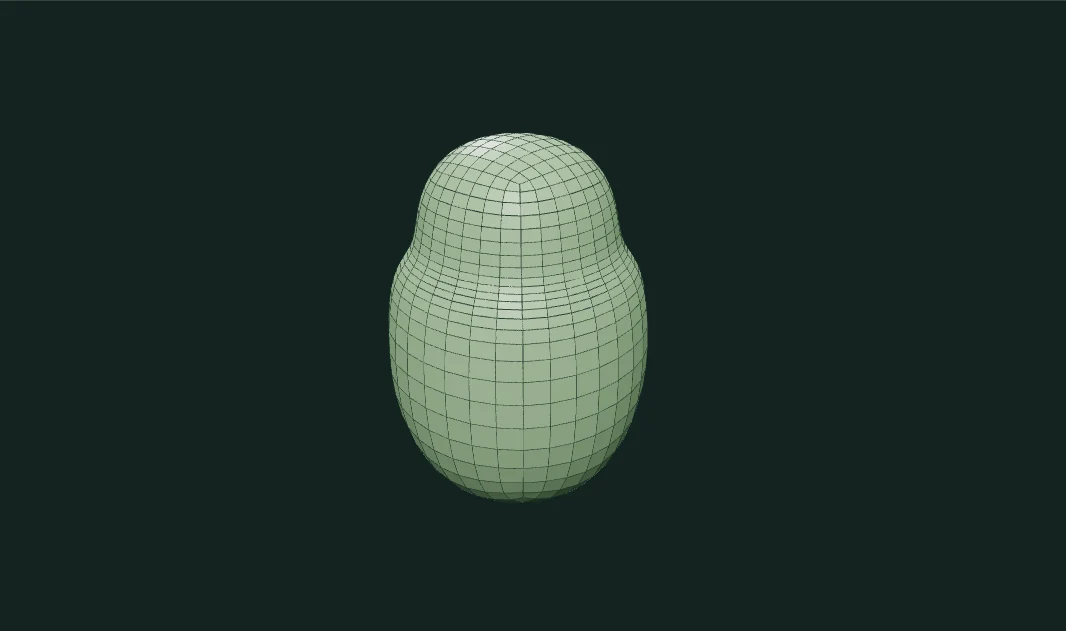
Implementation and limits
Shape a polygon mesh by editing its faces. Extrude a room, bevel a shoulder, split a face, then soften the whole form with Catmull–Clark subdivision.
- Face insets move vertices toward their centroid; they are not constant-distance CAD offsets.
- The editor does not detect self-intersection from repeated extreme extrusions.
- Subdivision is bounded to 16,000 output faces and manifold edges.