Surface parameterization
UV unwrap studio
Mark seams, unfold mesh charts, inspect distortion, and paint between the flat map and 3D surface.
Try it
All editing and processing stays in your browser.
Getting started
- In Seams mode, click an edge and toggle it. Coral edges are cuts.
- Unwrap solves the charts again; a closed surface needs enough seams to open it.
- Switch to Paint and draw directly on the model or the atlas below. Export the atlas and OBJ together.
Made with this tool
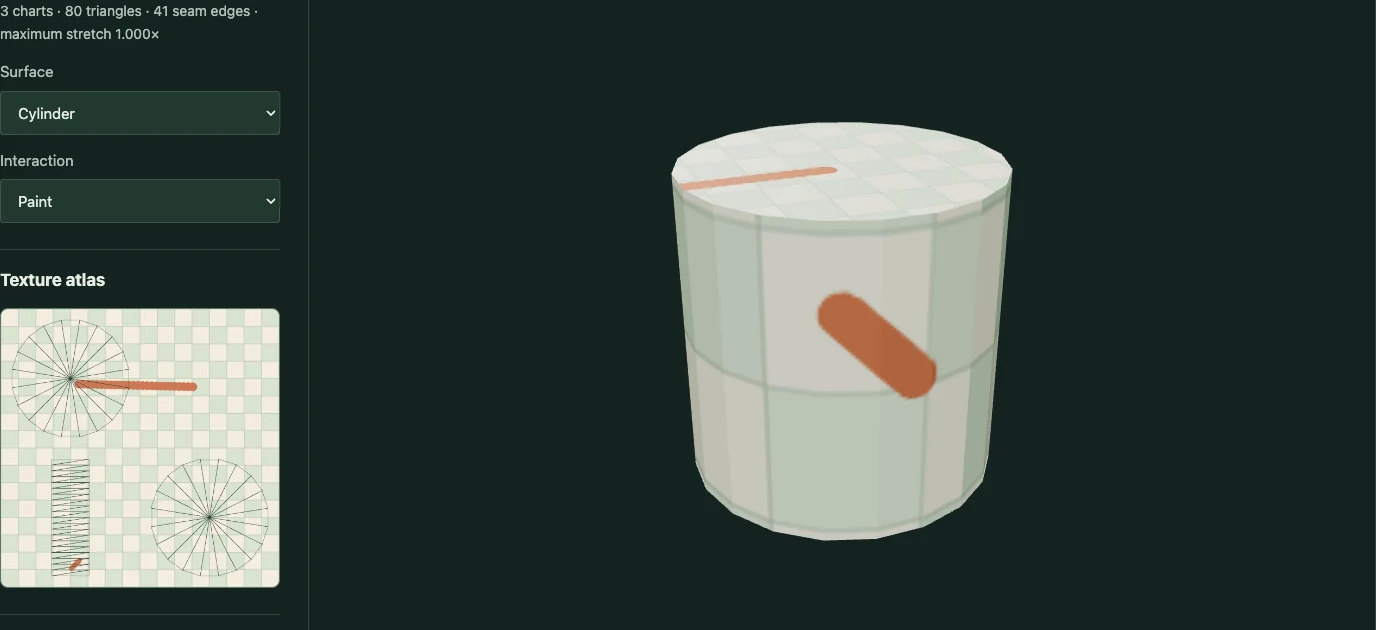
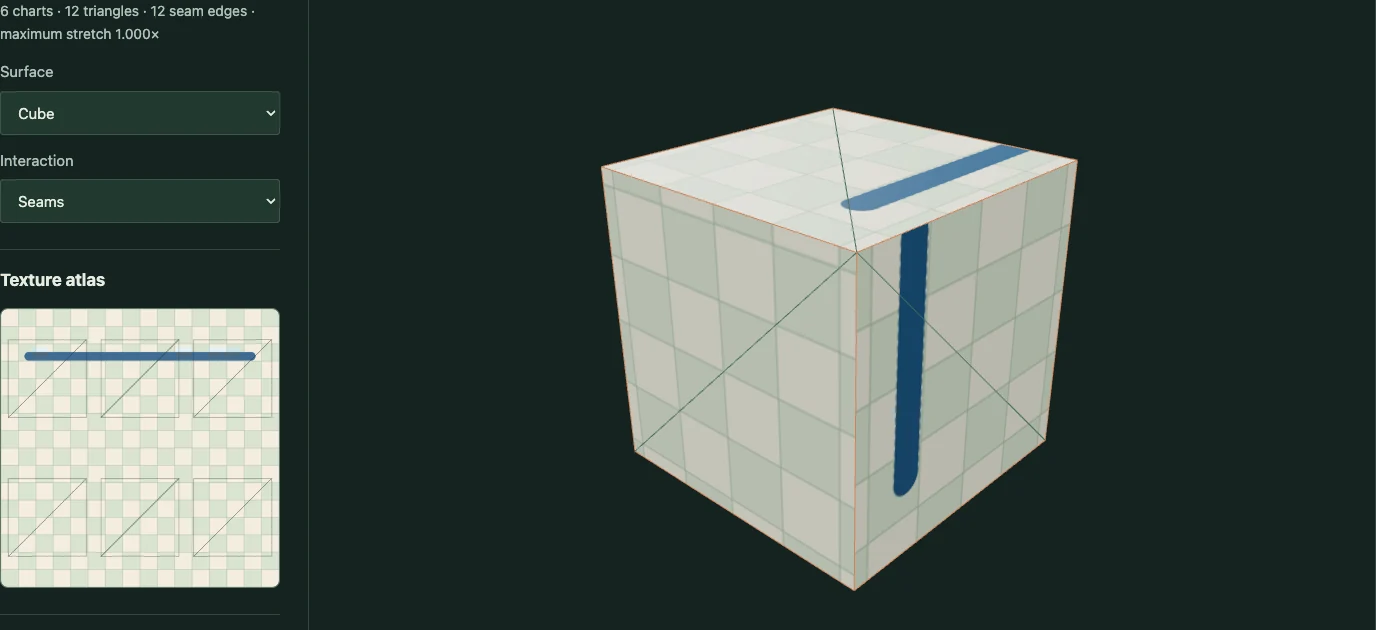
Examples captured from the running editor.
Implementation and limits
Cut a surface into charts, flatten it with least-squares conformal maps, and paint on the model or its texture atlas.
- Presets contain at most 80 triangles; the solver accepts at most 2,000.
- Charts use two boundary pins and a rectangular grid packer, not an optimal production atlas packer.
- Highly curved or poorly cut charts can overlap or fold. Stretch colors reveal local angular distortion, not a guarantee of an injective map.
- The 3D brush uses a small spherical footprint: it spans UV seams but may also touch nearby surfaces on very thin geometry.