Dynamic programming
Seam carving
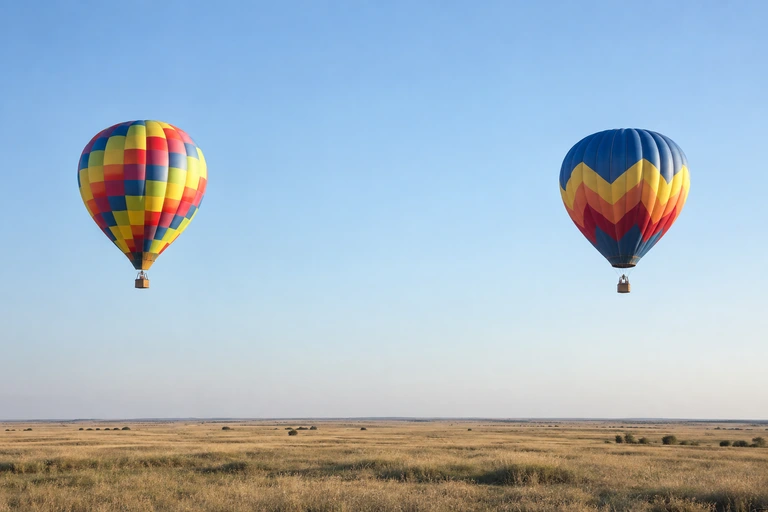
Narrow a balloon landscape by removing connected paths of pixels. Compare it with a regular resize and protect the balloons from the seam search.
Try it
Runs locally in your browser. Uploaded images stay on your device.
Paint on the source to protect a subject or mark an area for removal. Green protects; coral attracts seams. Keyboard: focus the source and use arrows to move and paint.

Ready when you are.
Worker processing · local inputs · downloadable output
How it works
Paint on the source to protect a subject or mark an area for removal. Green protects; coral attracts seams. Keyboard: focus the source and use arrows to move and paint.
A regular resize compresses every column equally. Seam carving changes the image’s width by removing connected paths through less costly regions. The balloons are protected in this example so the search favors the surrounding sky and landscape.
- Measure local image gradients to build an energy map.
- Use dynamic programming to find the lowest-energy connected top-to-bottom seam.
- Remove it, update the image and masks, then find the next seam.
Read the original research
Shai Avidan & Ariel Shamir · 2007
Computed examples
The regular resize and carved result have the same width. The mask shows which subjects the seam search protects.
Source photographs were generated for these studies. The displayed results were computed by the algorithms; they are not generated illustrations of an expected result. Published previews are compressed for the web.
Implementation and limits
Uses backward gradient energy and removes vertical seams. Large changes can bend straight lines or distort faces; a protection mask cannot guarantee an undistorted result.
Interactive settings are bounded to keep the experiment practical in a browser. Higher detail can cost more processing time without guaranteeing a better result. The implementation and its tests are available in the source repository.
Protect and remove brushes affect the seam cost. Masks shrink with the image after every removal. If a protected region blocks every possible seam, some protected pixels must still be removed.