Texture synthesis
Image quilting
Expanding a texture into a larger surface with overlapping, near-full copies of the source. Minimum-error seams hide the joins between them.
Try it
Runs locally in your browser. Uploaded images are not sent anywhere.
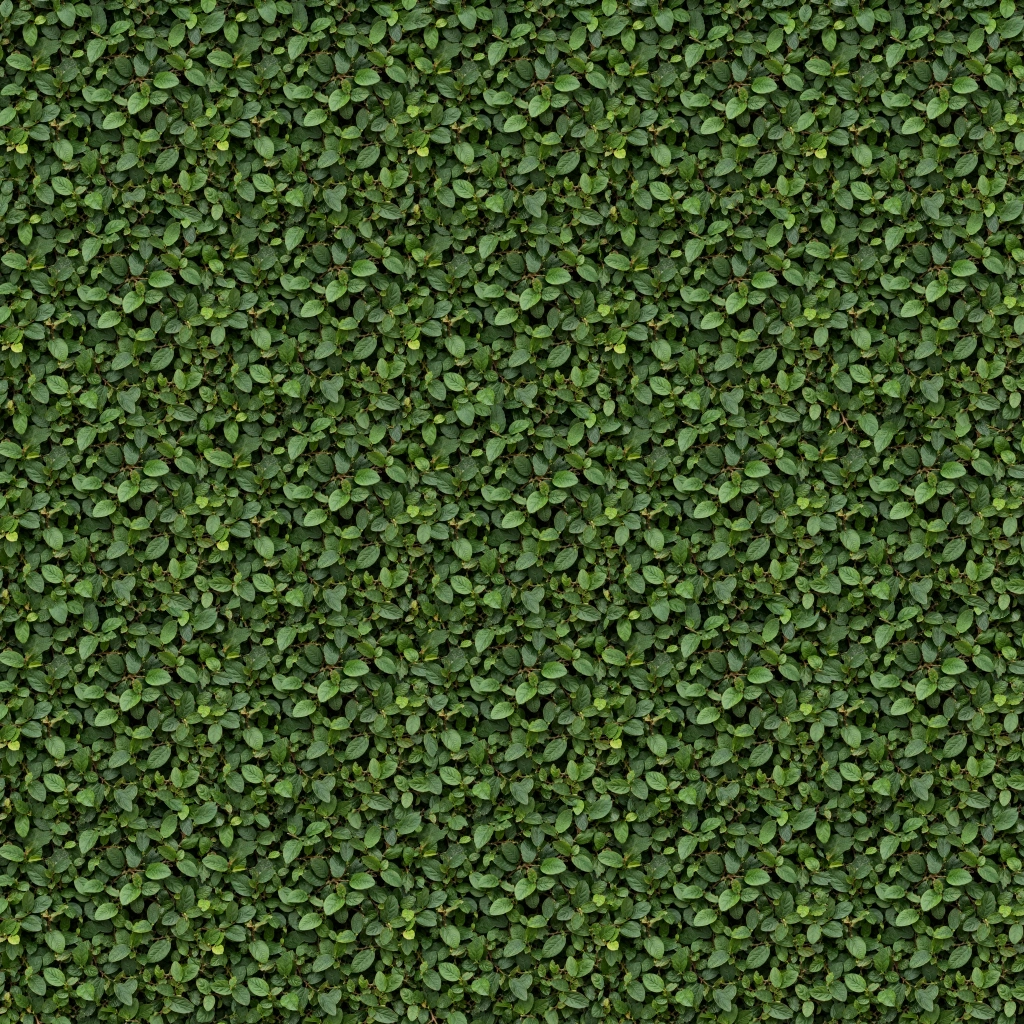
Example: 256 × 256 texture → 1024 × 1024 output. Choose settings, then run the study.
Patches are matched by overlap error. The seam follows a minimum-cost path through that error map.
Finding a better join
The default starts with a 256 × 256 working texture and expands it to 1024 × 1024: four times the width and height. Each 240px patch preserves nearly the whole source. Overlapping copies form a larger surface without enlarging the individual leaves.
Straight patch boundaries can cut through a leaf or repeat a visible grid. Instead, compare every pixel in the overlap and look for a connected path where the two patches already agree.
- Search the overlap. Score candidate patches by the squared difference between their RGB values and the pixels already placed.
- Keep some variation. Pick randomly from matches within 10% of the lowest error. The seed makes the search and selection reproducible.
- Cut through agreement. Dynamic programming finds the lowest-cost path through each overlap. Retain the old pixels on one side and copy the new patch on the other.
Computed examples
Compare straight joins with minimum-error cuts, then try the same synthesis on slate.
The source photographs were generated for these experiments. The results were computed by the same algorithm used above: 256 × 256 working texture, 1024 × 1024 output, 240px patches, 41px overlap, up to 384 candidates, seed 42. Published previews are compressed; PNG exports preserve the computed pixels.
What this version does—and where it stops
The expensive search runs in a Web Worker, with progressive previews and cancellation. A bounded, seeded sample of candidate patches keeps it practical in a browser. Larger candidate sets explore more of the source, at a higher processing cost.
Minimum-error cuts hide many joins, but they cannot fix a poor source match or prevent every repeated motif. The left and top overlaps are solved separately; this is not a global graph-cut optimization.
Patch sizes go up to the entire 256px working texture, and outputs up to 2048 × 2048. Using the full source leaves only one candidate, so changing the seed has no effect. Larger exports take longer; cancellation stops the worker.
Opposite edges are not constrained to match, so the output is not guaranteed to tile periodically. This is a classical patch-based method, with no neural model.